2025 Ultimate Guide: How to Use AI Translate Images to Break Language Barriers (Top 5 Tools Review)
Published on November 23, 2025
Imagine staring at hundreds of foreign PPT screenshots or complex comic panels. You realize you must type out every word to understand it. It is an exhausting nightmare. The rapid evolution of ai translate images technology has ended this inefficient workflow.
On Reddit, some community members are seeking AI solutions for image localization workflows that support batch processing and are compatible with right-to-left languages and designs. Looking for an AI tool to extract & reinsert translated text in images
Today, advanced AI translation tools do more than recognize characters. They understand the context to deliver fluent, logical results in seconds.
You might be a traveler struggling with a menu. Or perhaps you are a professional handling bulk documentation. Regardless, the days of switching between apps are over. Modern technology has moved far beyond the simple word substitution offered by basic OCR tools.
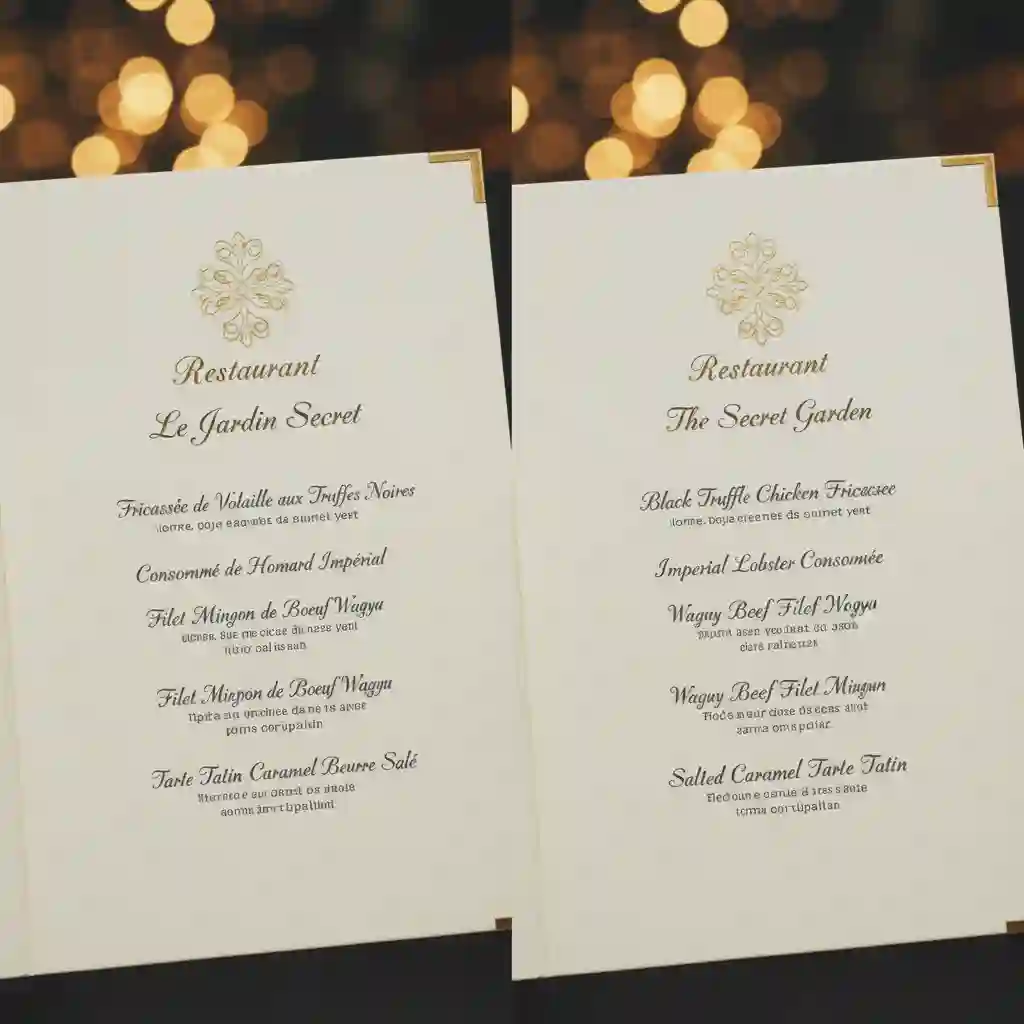
Now, precise context detection, preserved formatting, and effortless batch processing have become expected. These advancements enable smooth language interaction through images.
In this guide, we explore how AI translation software revolutionizes your productivity. You will discover the fastest methods to "Translate text from picture." We also provide a curated comparison of the top 5 tools available in 2025. Let us help you find the perfect solution. Get ready to dismantle the language wall once and for all.
1.What is AI Image Translate? Unveiling the Black Tech Behind It
Many people mistake AI translate images technology for simple text replacement. In reality, this technology has undergone a massive revolution. It has moved from mere "recognition" to deep "understanding."
For instance, in 2025, X (formerly Twitter) switched its built-in translation engine from Google Translate to Grok AI, sparking extensive discussions about the significant enhancement in its ability to understand image/tweet content. Results obtained through traditional machine translation are likely to be quite rigid, but the performance is far superior when using large language models. Grok AI has been integrated as the platform's built-in translation engine, replacing conventional machine translation
Even Meta has added large language model translation capabilities to its own products. We're bringing Meta AI voice translations for reels
Data from the 2024 technical analysis shows a major improvement. Context understanding in modern AI models exceeds older tools by over 40%. To use this technology well, you must understand the principles behind it.
1.1 The Evolution from OCR to AI Semantic Understanding
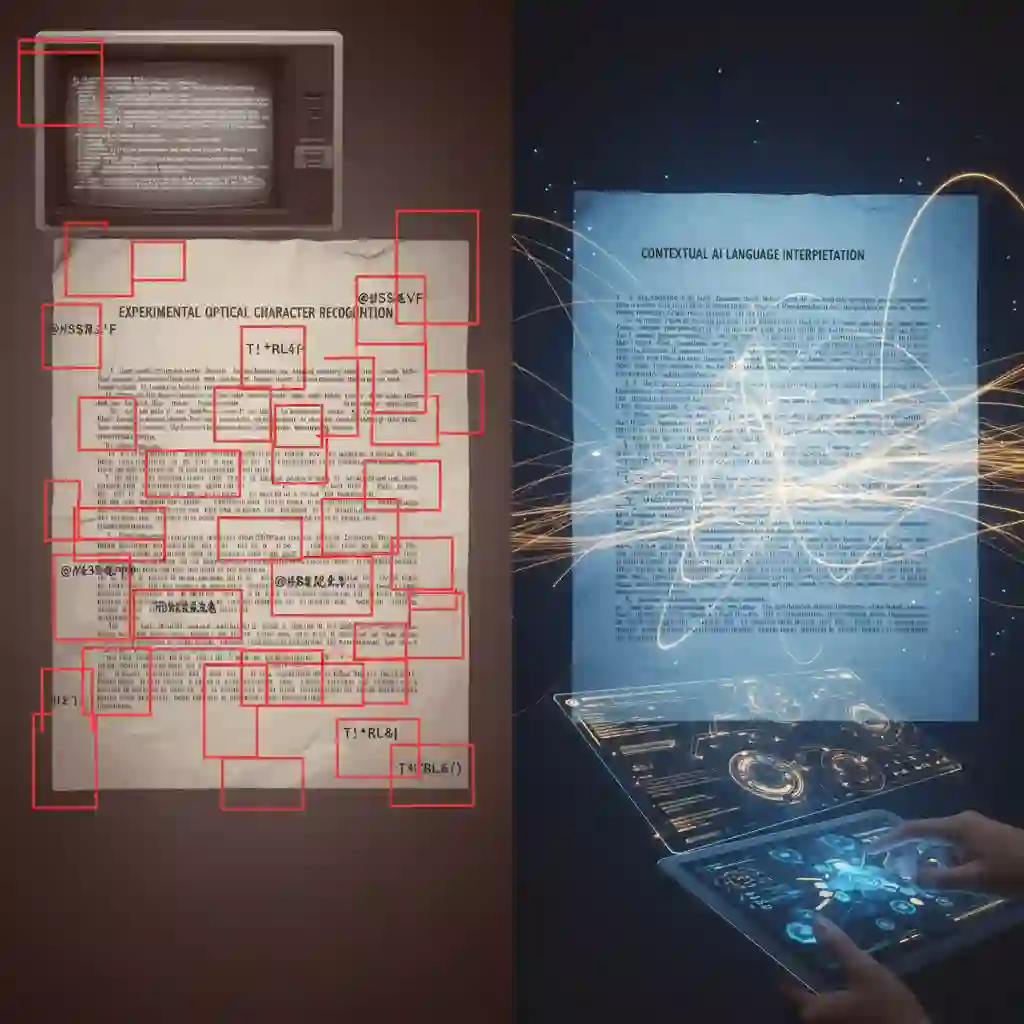
Early tools relied on OCR (Optical Character Recognition) technology. This technology acted like a rigid typist. It converted shapes in an image into text. A traditional image to word converter often loses original formatting. It also made recognition errors. For instance, it might mistake background patterns for letters. This resulted in chaotic translation outputs.
Modern AI translate images solutions differ completely. They have eyes, but also a brain. AI identifies text regions within an image. At the same time, it analyzes surrounding visual elements and context. It no longer translates word-for-word. Instead, it reconstructs meaning by sentences or paragraphs. This means the AI interprets even puns or industry-specific jargon.
AI-powered automatic image translation (e.g., manga pages) is now feasible, with tools like Redaka and OCR recommended by the community. Is it possible for an AI to translate an image (like a manga)
Even more amazing is AI's "image inpainting" capability. Use an advanced AI translate images tool. It erases the original text and fills the gap with the background color. Then it refills the translated text with the same font, size, and color. This "what you see is what you get" effect was unimaginable with old-era ai translate image tools.
The latest technology leverages Agents for translation, yet the entire operation process and UI implementation pose considerable challenges. This video shows how to build a no-code AI Image Translator Flowise Agent that automatically recognizes text in images and translates it into the target language. Build Your Own AI Image Translator in Minutes
1.2 Why Do We Need a Professional Image Translator?
In real-world scenarios, understanding the text is not enough. Take business scenarios as an example.
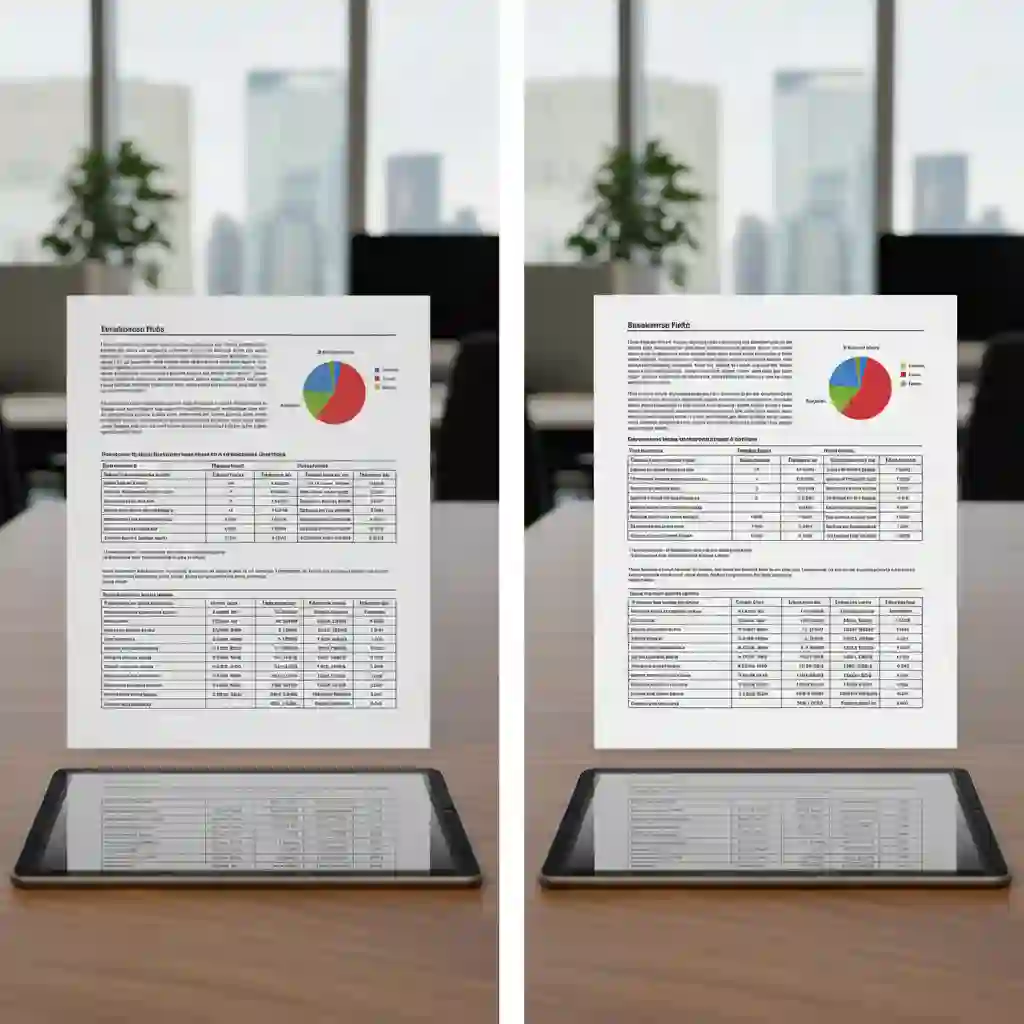
Multinational companies often handle hundreds of pages of scanned PDF contracts. Using basic ai translate images tools results in broken formatting and low reading efficiency. A professional AI translate images software preserves tables, charts, and layouts. This makes the translated document look as professional as the original.
Another typical scenario is the translation of comics (Manhwa) or movie subtitles. Content like this relies on "contextual coherence." Here, the dialogue in the previous frame determines the meaning of the next frame.
Real-time visual translation AI translate images tools are convenient on mobile phones. However, they struggle with continuous visuals that require logical flow. They often break the context, making the storyline confusing.
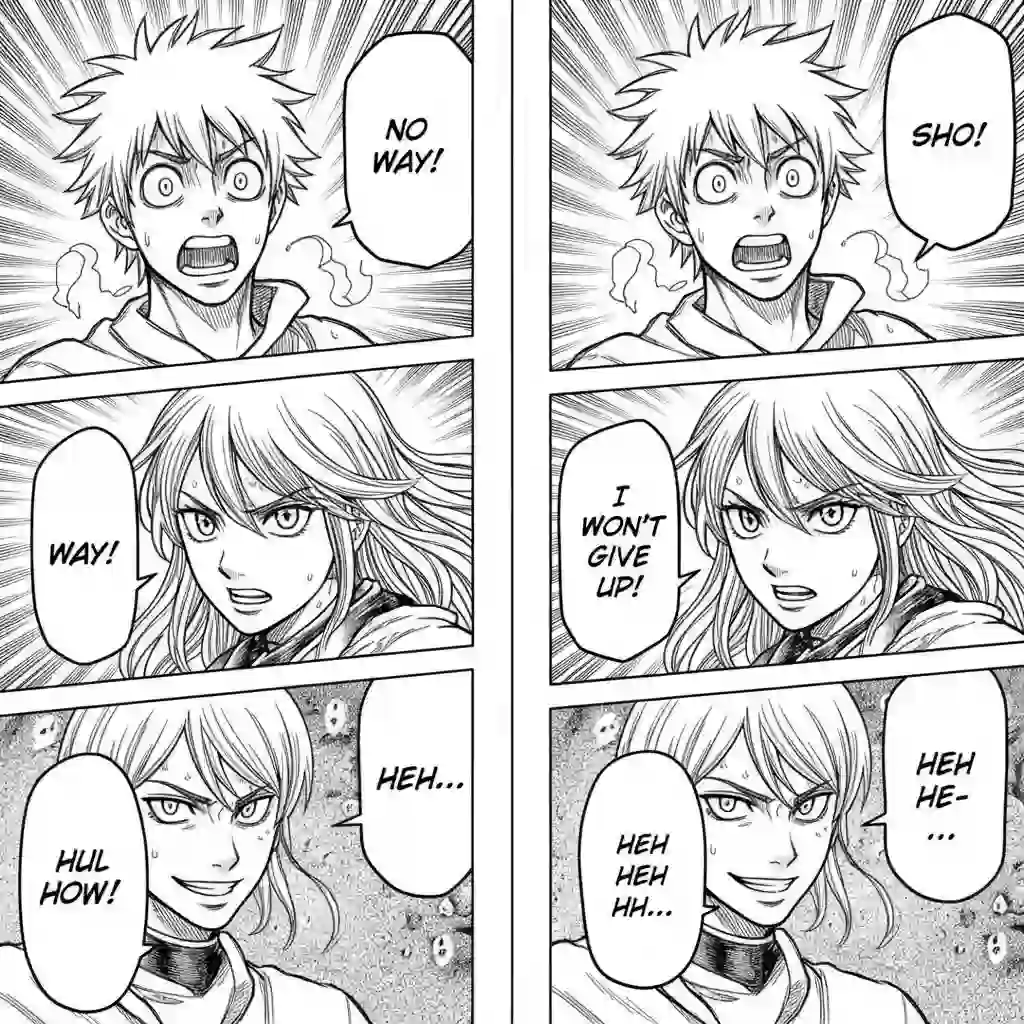
So, choosing an AI translate images tool with batch processing is vital. You need context analysis capabilities. It analyzes the relationship between consecutive images.
This ensures smoothness in timelines and plot. You might need it for entertainment or work. A tool that handles bulk AI translate images requests is the ultimate guarantee of efficiency.
2.Top 5 AI Translate Image Tools Review: Which One Fits You?
The market offers countless options. Finding the best AI translate images solution can be overwhelming. A 2024 survey reveals a clear issue. Over 60% of users dislike the image processing in generic ai translate images tools.
Complaints focus on three main pain points. These are chaotic layouts, a lack of contextual logic, and the inability to batch-process. To save you time and money on trial-and-error, we deeply reviewed 5 mainstream tools. We will reveal the ultimate software choice for AI translate images. Our selection is based on accuracy, ease of use, and batch-processing capabilities.
2.1 AI Subtitle Translator - This is our Tool! (Editor's Pick)
Although the developers named this tool AI Subtitle Translator, do not let the name mislead you. It is currently one of the most powerful AI translate images tools on the market. It handles sequence frames, comics, long images, and menu screenshots.
Its core design philosophy solves the "contextual logic" problem. This makes it excel in processing continuous visuals. For users requiring high precision and efficiency, this is our top recommendation.
The robust Batch Processing capability is the biggest killer feature of this tool. Imagine you have a complete comic book with 200 pages. Or perhaps you have 50 product instruction sheets that need localization. Using ordinary tools, you must upload and download hundreds of times.
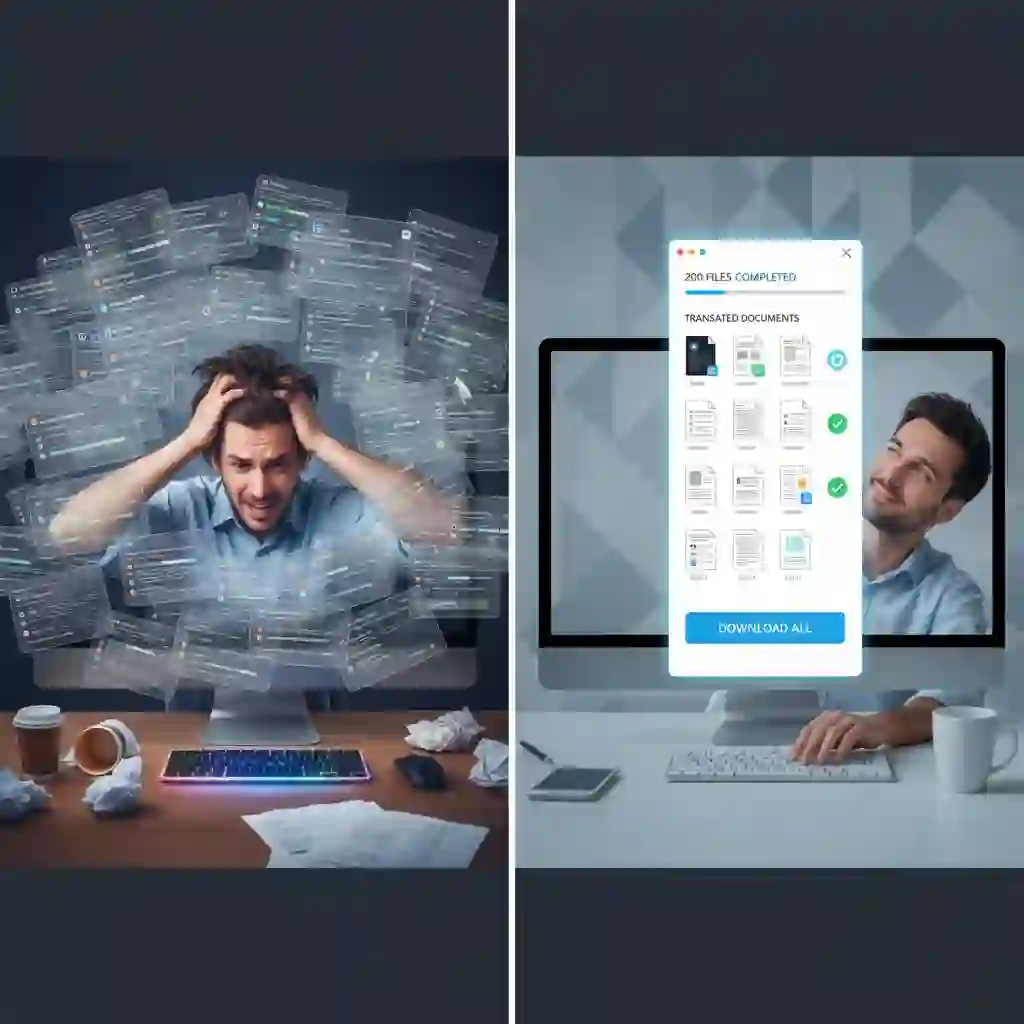
This is a nightmare. With AI Subtitle Translator, you upload all files with one click. The system queues them for background processing. This hands-free experience is the cornerstone of an efficient workflow.
Beyond efficiency, Contextual Coherence is the key differentiator from competitors. An ordinary image translator often views each image in isolation. This results in disjointed translations.
Our ai translate images tool utilizes advanced AI to understand the content of the previous image. It then deduces the most accurate translation for the next. This logical translation quality is crucial for content requiring high reading continuity. Examples include comics or tutorials.
For model selection, we offer a high degree of freedom to meet diverse needs. If you pursue ultimate translation precision, try our exclusive Aimslate model. It is designed for complex contexts.
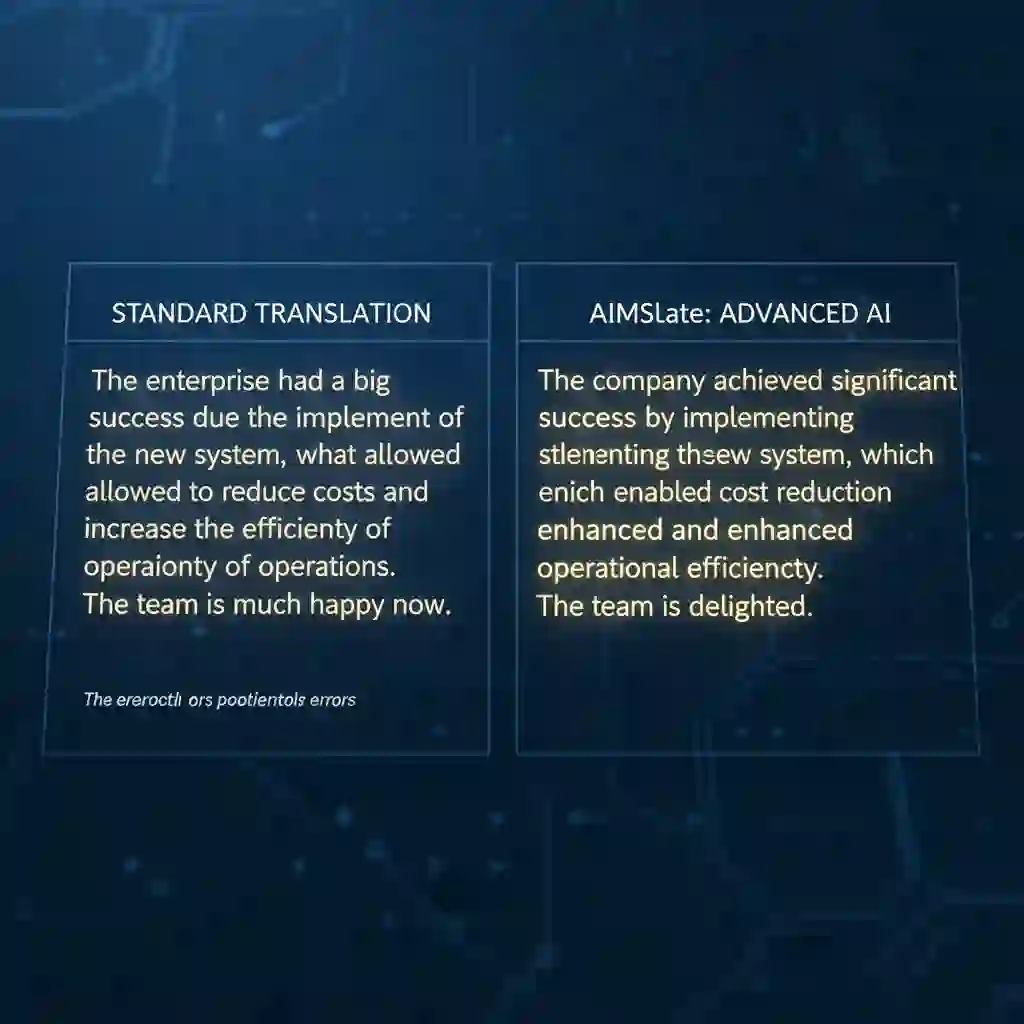
Of course, we have also integrated other advanced models, such as Gemini and SeeDream. Users can choose the most suitable engine to execute AI translation of images. Base your choice on layout stability or translation style.
In terms of operation, this ai translate images tool takes "simplicity" to extremes. You do not need any technical background; it supports automatic source-language detection. You only need to select the target language, click "upload image," and wait for 30 to 60 seconds. The system completes recognition, translation, background erasure, and text refilling. You get a laid-out, original-quality translated image.
2.2 Google Translate (Google Lens)
When mentioning AI translate images, many people immediately think of Google Translate or its integrated Google Lens. As the world's most universal free ai translate images tool, it dominates in travel and daily life.
When walking on a foreign street, take out your phone and scan a road sign. It provides Real-time visual translation services. Google is very convenient for such instant, fragmented needs.
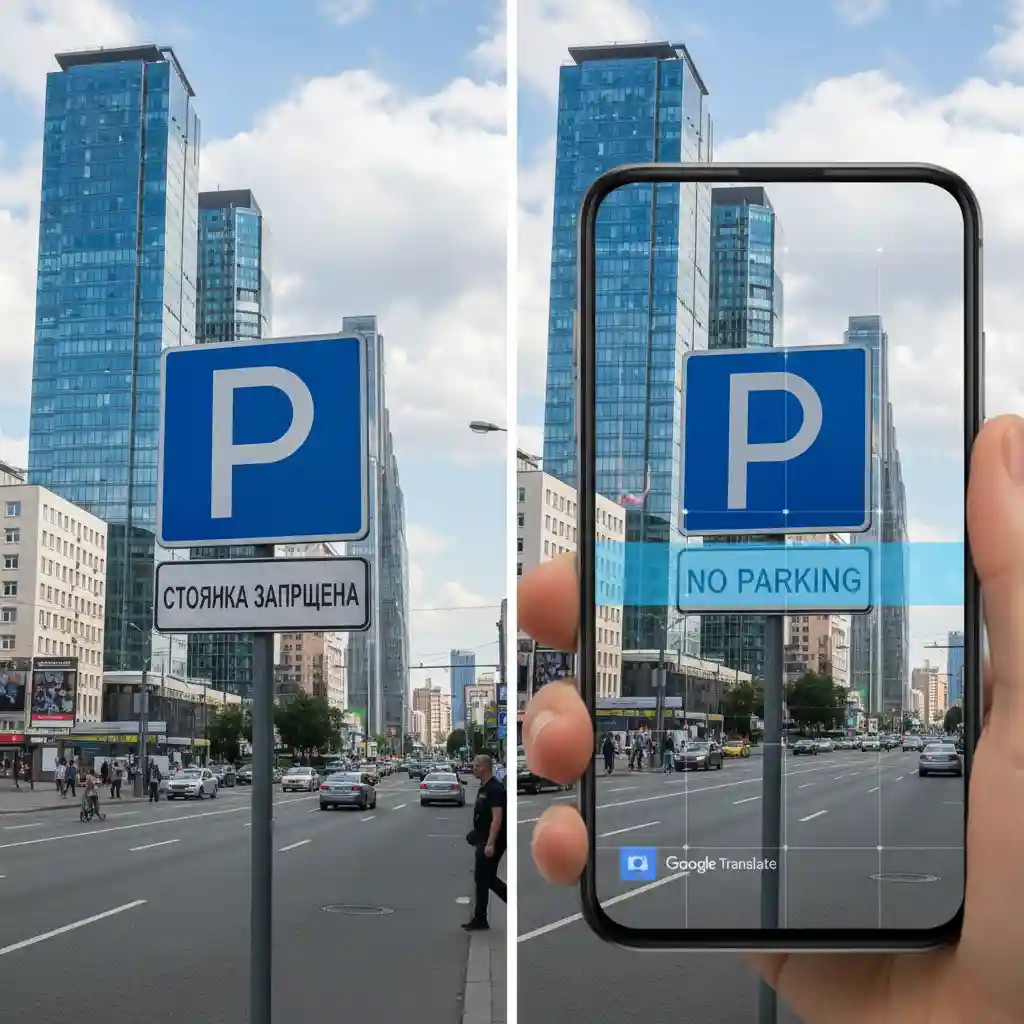
Yet, once you enter a professional work scenario, Google's limitations become obvious. First, it lacks the ability to understand context.
Google's algorithm tends to translate sentence by sentence or even word by word. It ignores the logical relationship between this image and the next. This often breaks logic when handling long documents or narrative content. It leaves readers confused.
Second, a chaotic layout is a common problem when Google handles AI translate images tasks. It usually overlays color blocks with translated text onto the original image. This is not only ugly but also obscures key details in the background. This "patch-like" translation effect is unusable for formal business presentations or publications.
Finally, the inability to batch-process is its biggest flaw. Google Lens is designed for mobile "snap and go" scenarios. It lacks the capability to handle dozens of work documents. If you try to use it to complete a 50-page PPT AI translate image task, you must shoot or upload one by one. This low efficiency is unacceptable in a fast-paced business environment.
2.3 DeepL Pro
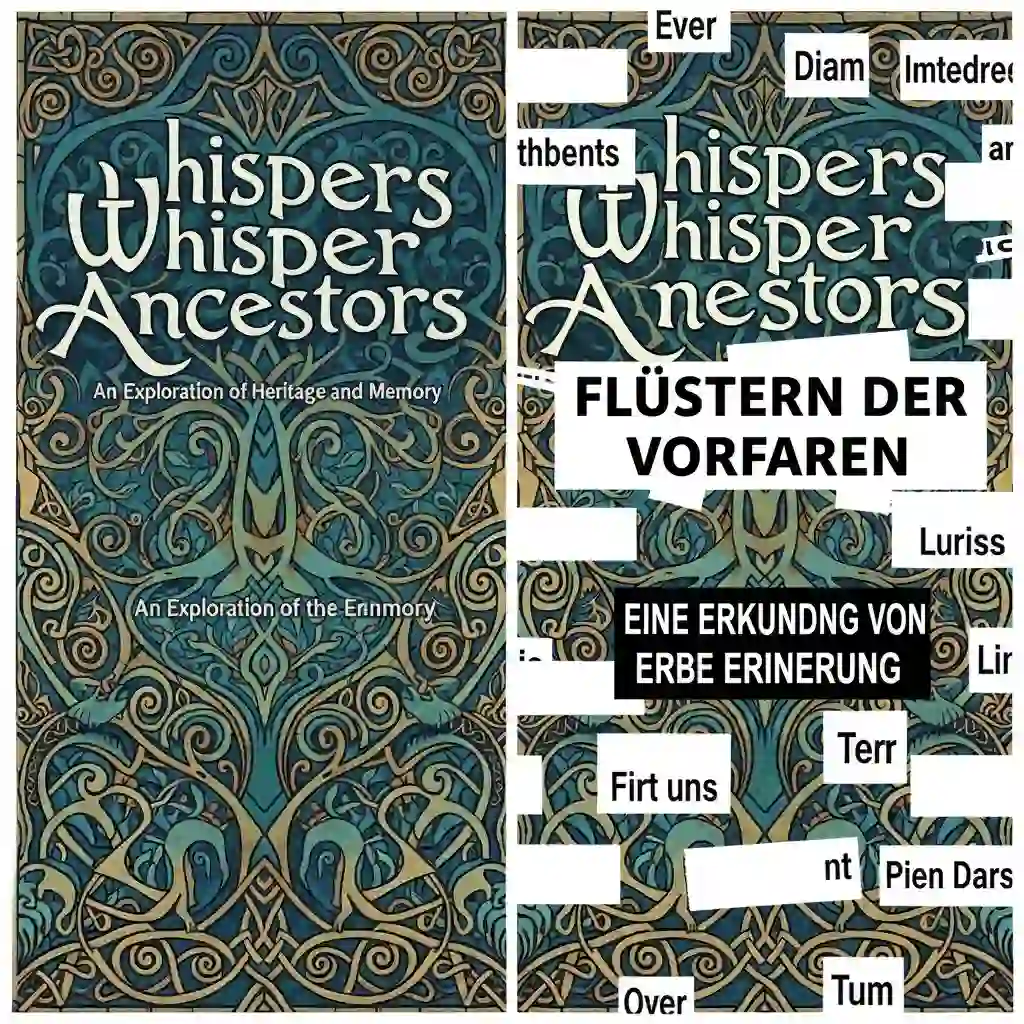
DeepL Pro enjoys a strong reputation in text translation. Users value its amazing accuracy and natural style. Many professionals had high hopes for the launch of its AI translate images feature.
For pure text quality, DeepL maintains a high standard. It rarely sounds like a machine. For users seeking literary beauty, DeepL is a strong competitor.
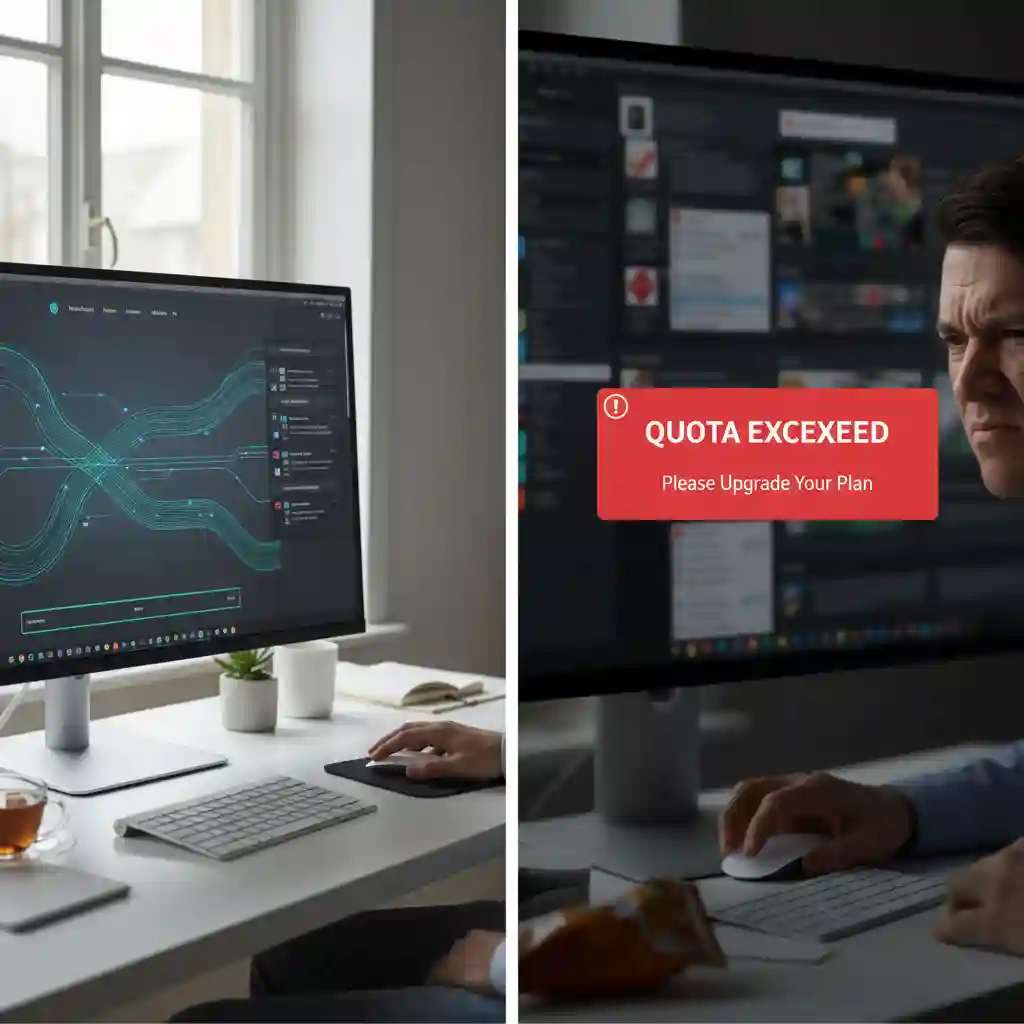
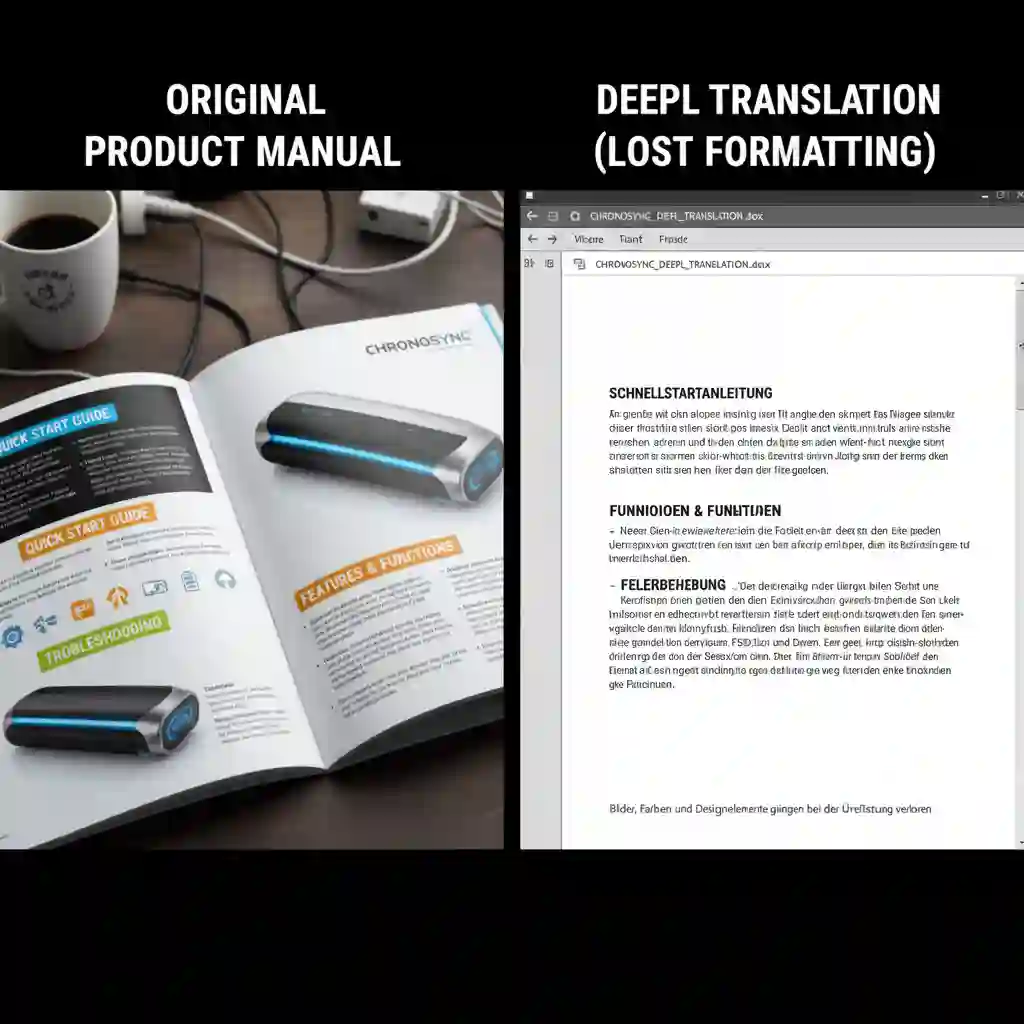
Yet, the tool has many functional limitations for images. You may buy the expensive DeepL Pro membership. Still, a strict cap limits the monthly image count. This quota often fails enterprise users with many files. You might run out of credits by the middle of the month. This forces work to stop.
Also, DeepL offers weak editing capabilities. It acts more like an advanced image to word converter. It is not a complete image processing solution. The output is often a "one-off deal."
Users cannot fine-tune it within the software. It lacks layers and timeline alignment functions. If the AI places text poorly, you cannot fix it directly. Cost is also a factor.
Compare it to tools optimized for ai translate images. DeepL offers low value for large image demands. You pay for the text engine, not image functions. If you need image translation more than text translation, this investment might not be worth it.
2.4 Yandex Translate
Yandex Translate is a tool from Russia. It performs well when translating Eastern European languages and Russian. It has unique technical accumulation in image OCR. Yandex's recognition rate sometimes exceeds Google's when handling low-resolution images or messy handwriting. For users in specific regions, it was once a decent ai translate images alternative.
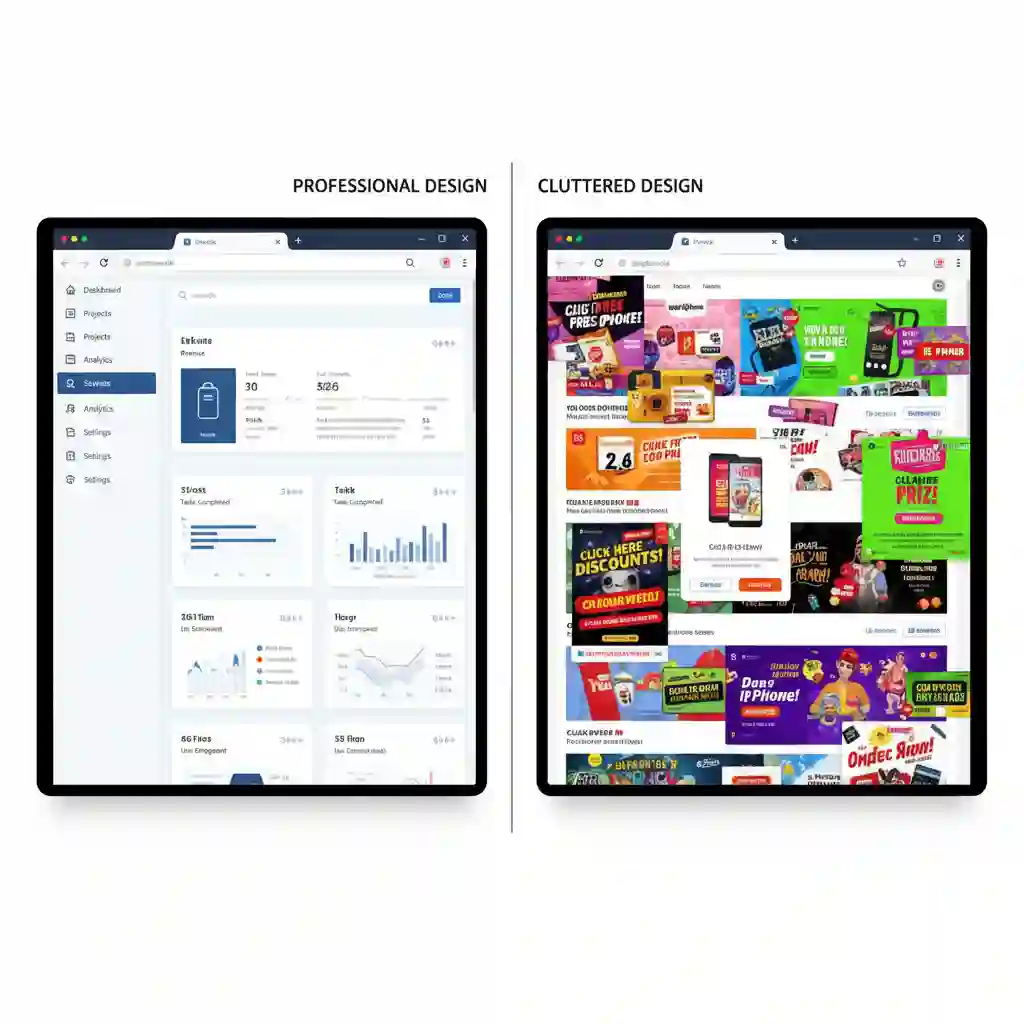
Yet, User Experience (UX) is Yandex's biggest weakness. The web interface design looks outdated and contains various distracting ads. This affects operational smoothness. It also gives users an unprofessional, cheap feeling. During use, you often need to avoid ad pop-ups to find the upload button.
Privacy concerns also explain why enterprise users keep their distance. Many companies prohibit using Yandex for ai translate images processing.
This is due to server locations and operational entities. Do not use it for documents containing trade secrets or sensitive information. Data security is crucial in today's business environment. It is often more sensitive than the translation quality itself.
In terms of formatting alignment, Yandex also performs poorly. It can recognize text. However, when refilling text, overflow often occurs outside the text box. The translated text covers other areas of the image. This destroys the overall aesthetic. Users often need to spend time exporting images to PS for secondary patching. This results in low efficiency.
2.5 Canva (Built-in Translation App)
Canva is the world's most popular online design platform. It has recently added AI translation features. For designers, this seems like a perfect solution. You can complete the translation while designing.
Its advantage lies in the seamless integration with the design workflow. You can adjust fonts and colors right on the canvas. This gives it certain ai translate images capabilities. It helps when making posters or social media images.
Yet, Canva is not a professional translation tool. Its operation process is cumbersome. You need to import the image into Canva's design canvas first. Or, you must design first before you can call the translation app. This series of steps appears too bloated and complex. It hinders users who need translation results quickly.
Second, its underlying translation model is highly universal but lacks professionalism. Canva calls third-party generic interfaces most of the time. Translations for specific terms are often inaccurate. Examples include medical reports, game subtitles, and technical blueprints. It lacks the AI image translate models optimized for specific scenarios like our ai translate images tool does.
Low efficiency is another fatal problem. Canva's mechanism determines that it cannot handle batch image files at all. Suppose you have 100 images to translate. You need to create 100 pages or projects in Canva.
Then, you must perform translation operations one by one. This is a near-impossible task for high-output AI translate images missions. It suits designers fine-tuning a single poster. It does not serve well as a productivity tool.
3.How to Use AI Image Translate for an Efficient Workflow
Transforming tedious image localization into an automated pipeline is essential. Mastering the right method is key. Statistics show that users skilled in AI translate images with tools that boost efficiency by about 800% compared to manual translation. A 50-page comic or document takes a whole day to complete. Now, you can finish it in the time it takes to drink a cup of coffee.
Coincidentally, we have developed our own AI image translator. Below, we will take our tool as an example to demonstrate how to build an efficient workflow.
3.1 Step-by-Step: 3 Steps to Master Batch Image Translation
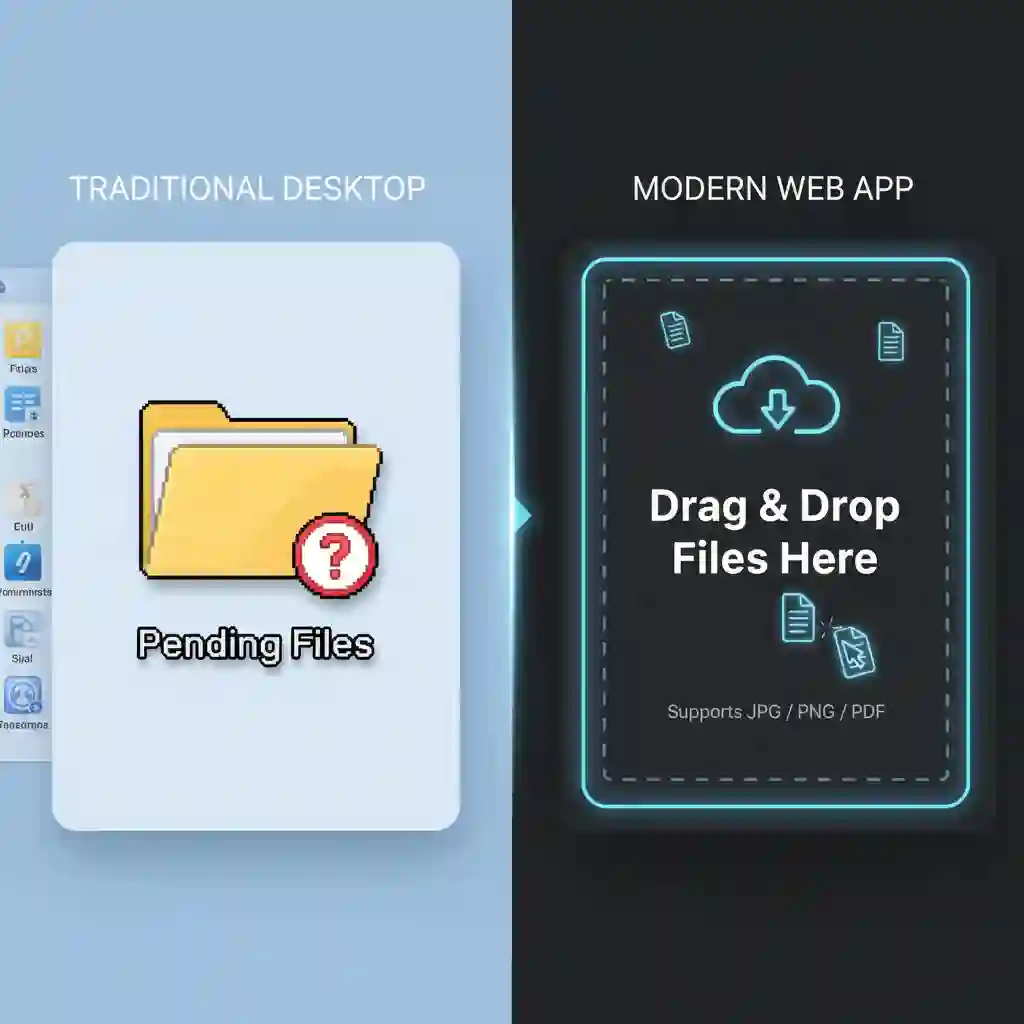
The first step is Upload and Setup. First, select the source language and your target language on the interface. Then, drag and drop the files to process into the upload area. Or, click the button to select files. This step supports various common image formats. It is intuitive and prepares everything for the AI translate images task.
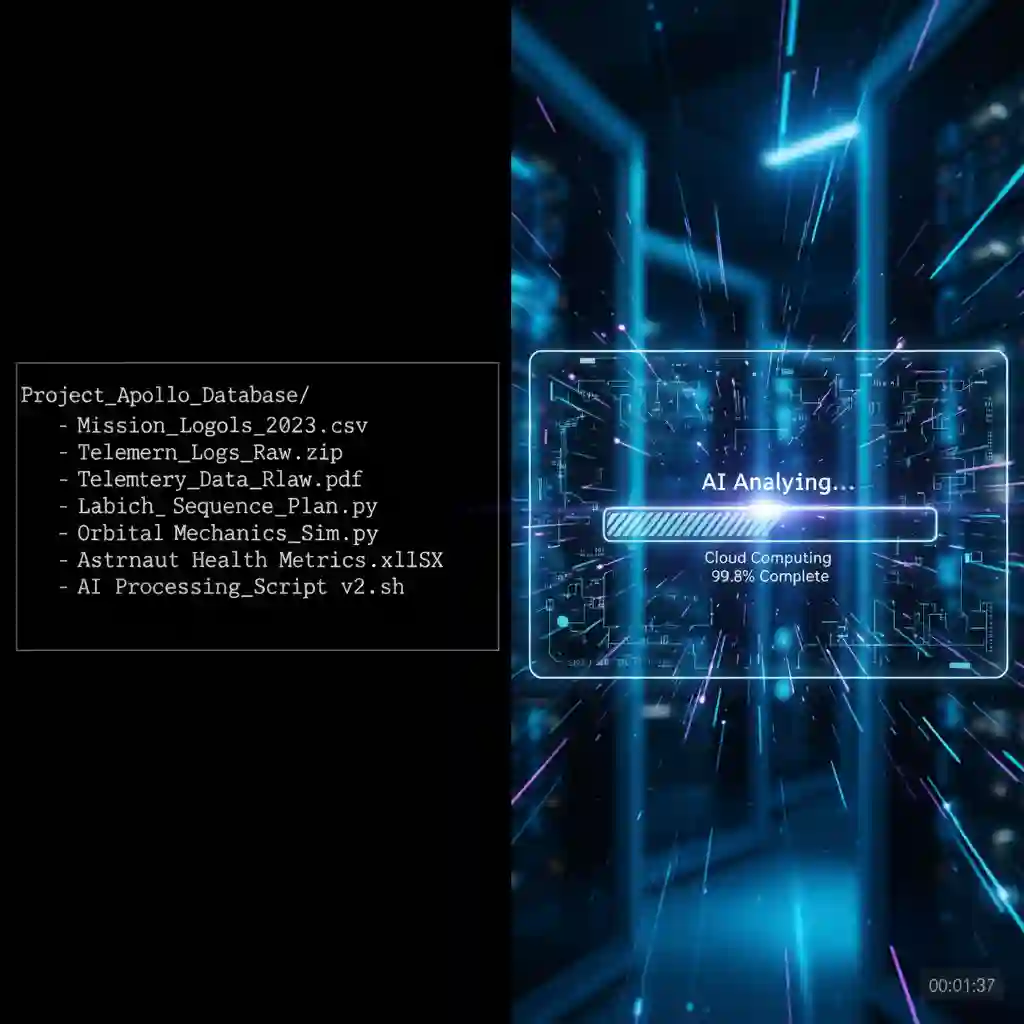
The second step is AI Auto Processing. After you upload the files, wait for 30 to 60 seconds. During this brief moment, our powerful AI translates images using the high-speed cloud-based core engine. The system analyzes the visual structure. It generates translations without manual intervention.
The third step is Export and Proofreading. After processing is complete, you receive a formatted file. This image translator uses a unique timeline alignment feature. The translated text fits well with the original image. This makes proofreading simple. Scan it fast to confirm accuracy. Then, export with one click to complete this AI translate images mission.
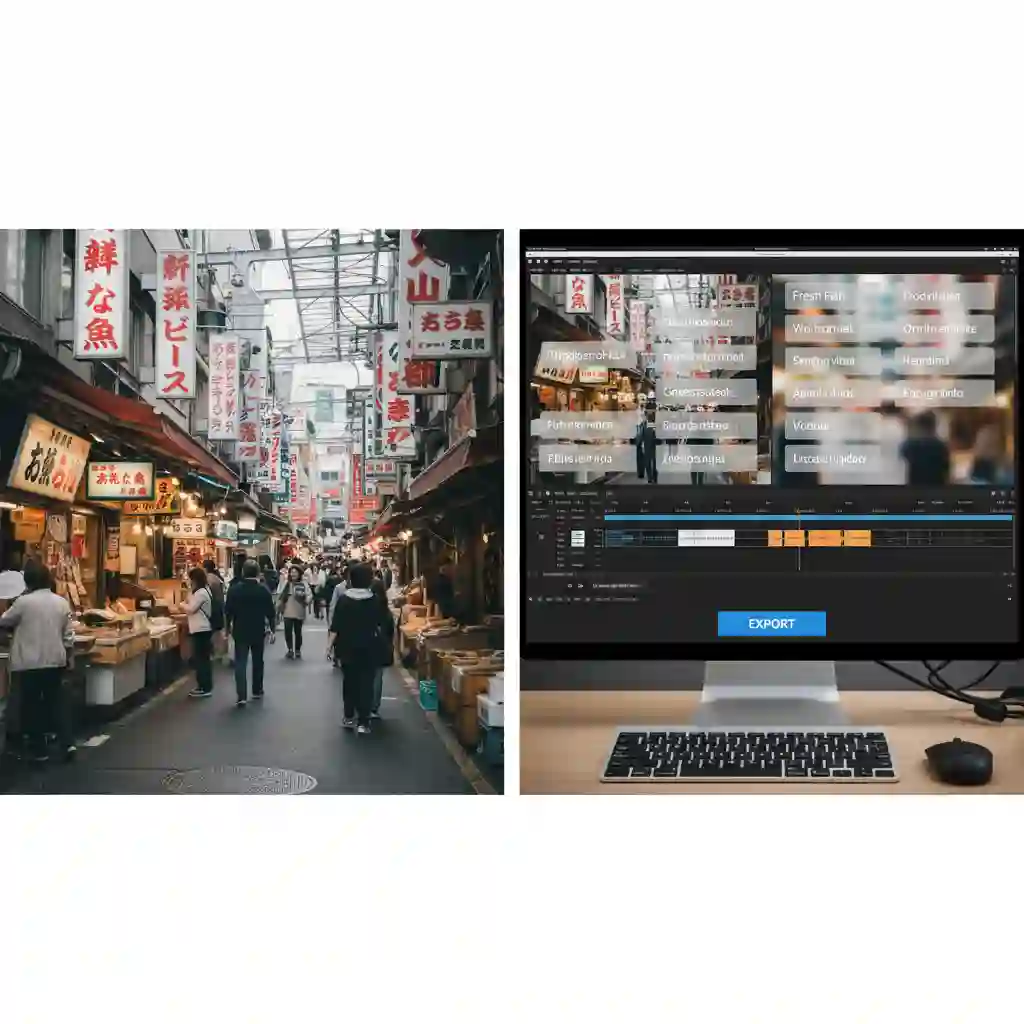
Our tool can transform the traditionally tedious processes of image text localization and manga translation into a fully automated workflow, greatly boosting efficiency. Our tool can automatically identify the language in your images and provide translations
We have prepared a detailed tutorial for you, guiding you through the step-by-step process of using our tool. AI handles the entire process automatically: cloud-based AI completes image analysis and translation within seconds, followed by export and proofreading
Additionally, for manga or large batches of files, translation work that used to take a full day to finish can now be completed in just a few minutes. Rapid manga translation with layout preservation and multi-language support
3.2 Three Tips to Improve Translation Quality
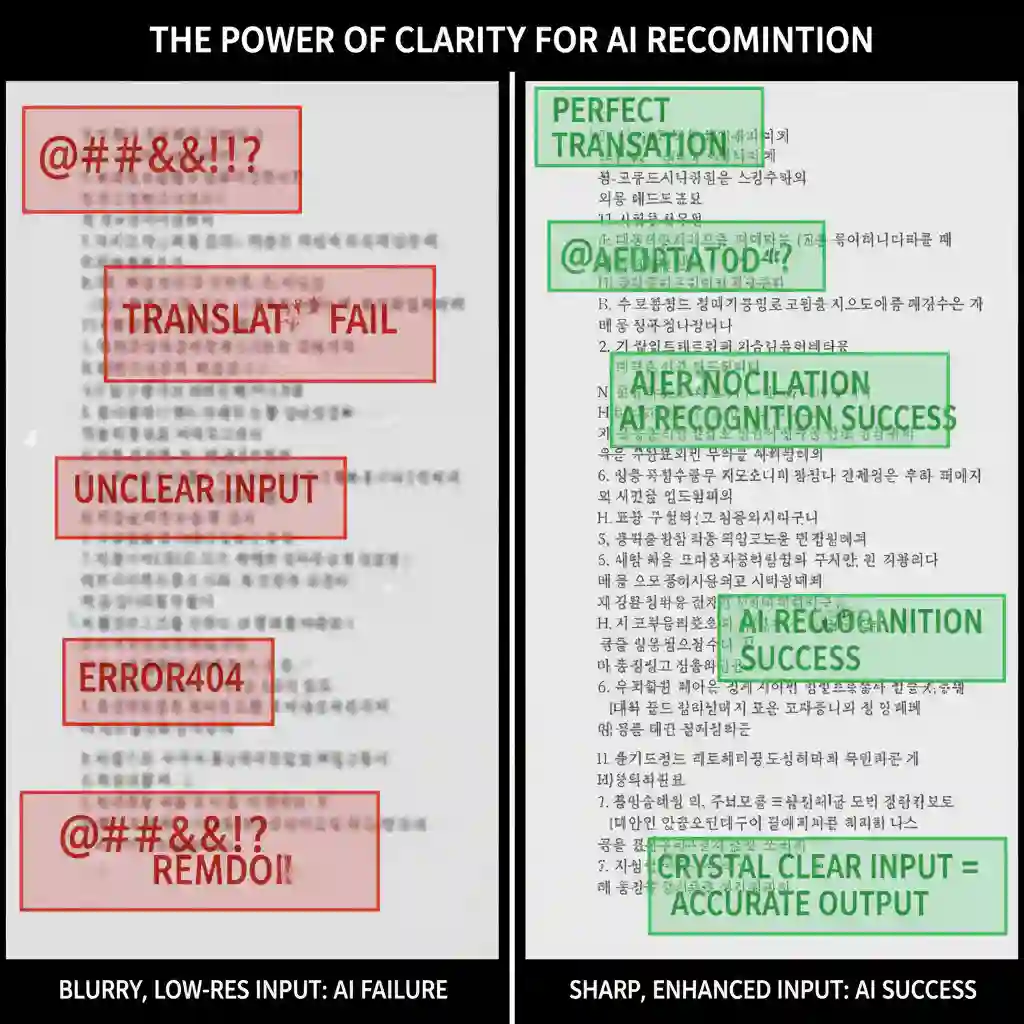
First, focus on image clarity. The input source quality determines the output quality. Blurry screenshots can lead to lower recognition rates. To get the best results when you "Translate text from picture," use original images. Aim for a resolution higher than 720p. Clear lines and text help the AI image translate algorithms capture details with precision.
Second, provide the necessary context information. Smart AI translate images tools have context analysis capabilities. However, describing the image topic in filenames helps. Use terms like "medical report" or "sci-fi comic." This acts as a hint for the AI. It assists the ai translate images tool in locking onto specific terminology databases.
Finally, use the batch preview function. When handling large batches of files, select a few for a preview check first. This helps you judge if the current settings suit the whole batch. It ensures uniformity across the entire AI Translate Images project. With these simple tips, your workflow becomes both fast and professional.
4.Frequently Asked Questions (FAQ) – About AI Translate Images
Users often have many questions when using AI translate images technology to process visual content. We compiled the four most common inquiries to help you better understand this technology. These answers cover everything from data security to practical application scenarios.
4.1 What Is the Difference Between a Free Image Translator and Paid Tools?
Free ai translate images tools often monetize user data to train their models. This means your uploaded files might lack privacy protection. Professional AI translate images tools differ. They usually offer enterprise-grade encryption.
This makes them suitable for sensitive documents containing trade secrets. Furthermore, paid versions maintain contextual coherence across many pages. Free versions often translate frame by frame. This leads to logical breaks.
4.2 Can It Translate Handwritten Text?
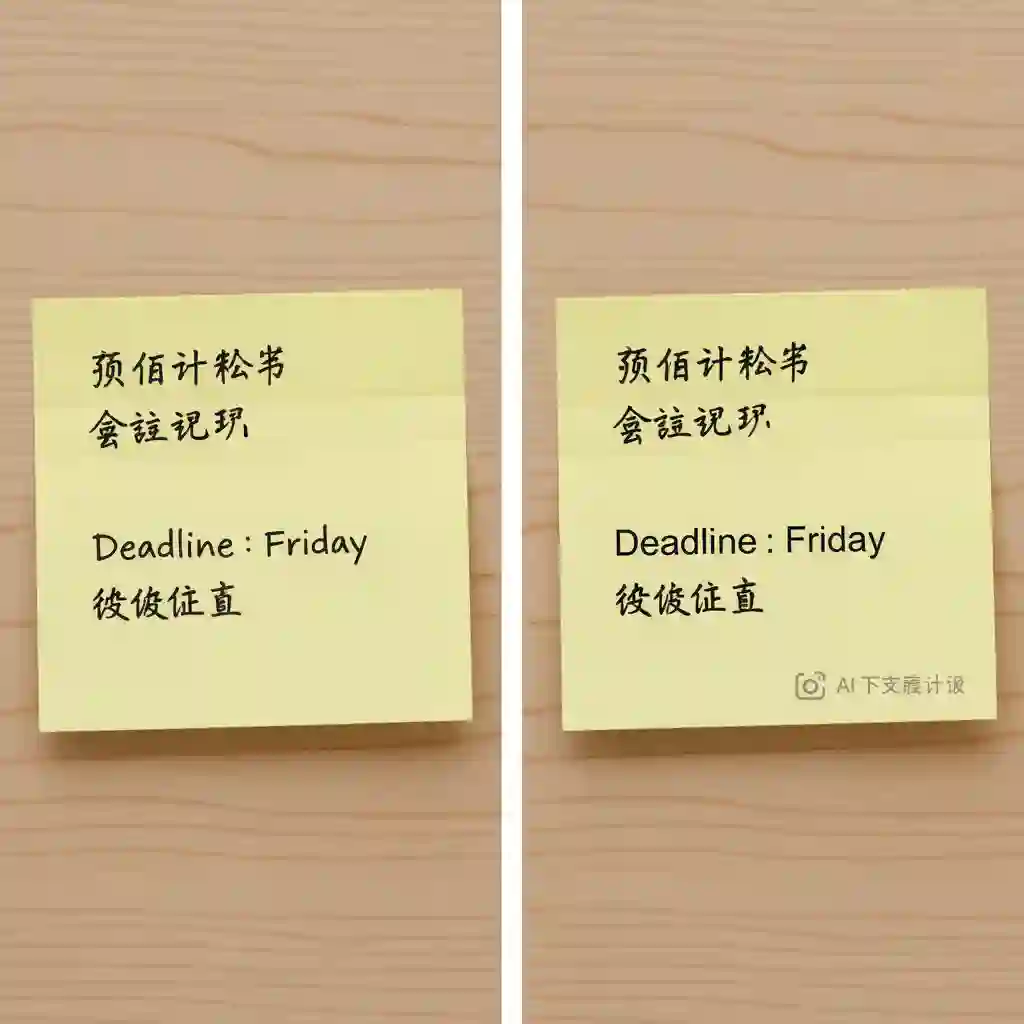
This depends on the legibility and neatness of the handwriting. Current AI translate images technology recognizes neat board writing or print-style handwriting well. Yet, accuracy drops for messy cursive or personalized artistic signatures. Even humans sometimes struggle to read them.
4.3 Can AI Translate Image Retain Original Fonts and Colors?
This is a significant technical challenge. It involves complex background erasure and image inpainting. Many basic image to word converter tools only extract plain text. This ruins the aesthetic of the original image. Our tool optimizes alignment algorithms during the AI translate images process. It replicates the original font style and color layout as much as possible.
4.4 What Are the Common Use Cases?
The application scenarios for AI that translate images are vast. They range from bulk localization of foreign comics to translating e-commerce product images. Travelers also use it often to translate text from a picture. They check road signs and restaurant menus in real time. Additionally, users apply it to process foreign PPT screenshots or scanned technical manuals. This improves information efficiency.

5.Conclusion: Choosing the Best AI Translation Assistant for You
AI translate images technology has reshaped efficiency standards for handling foreign visual materials. Intelligent algorithms now complete tedious tasks in seconds. These tasks used to require hours of manual comparison. This shift improves speed. It also changes how we access cross-language information.
5.1 Make a Wise Choice
To select the right ai translate images tool, define your specific usage scenario. If you need Real-time visual translation for a street sign or menu while traveling, generic tools like Google Lens work well. Yet, a basic image translator often fails with bulk business documents, serialized comics, or video subtitles. It lacks context. Use a professional AI translate images solution. It ensures semantic coherence and maintains perfect layout alignment.
5.2 Take Action Now
Stop wasting valuable time on inefficient copy-pasting. Avoid manual layout adjustments. Try AI Subtitle Translator today. Experience the power of one-click batch processing and precise timeline alignment. Let the advanced AI translate images engine automate the tedious grunt work. This lets you focus on the value of the content itself.
Reference
2025 Latest AI Translate Image Solution - Transmonkey
5 Best Image Translators in 2025 - OpenL Blog
How to Translate Images With AI Using Image Translators - Text Blaze