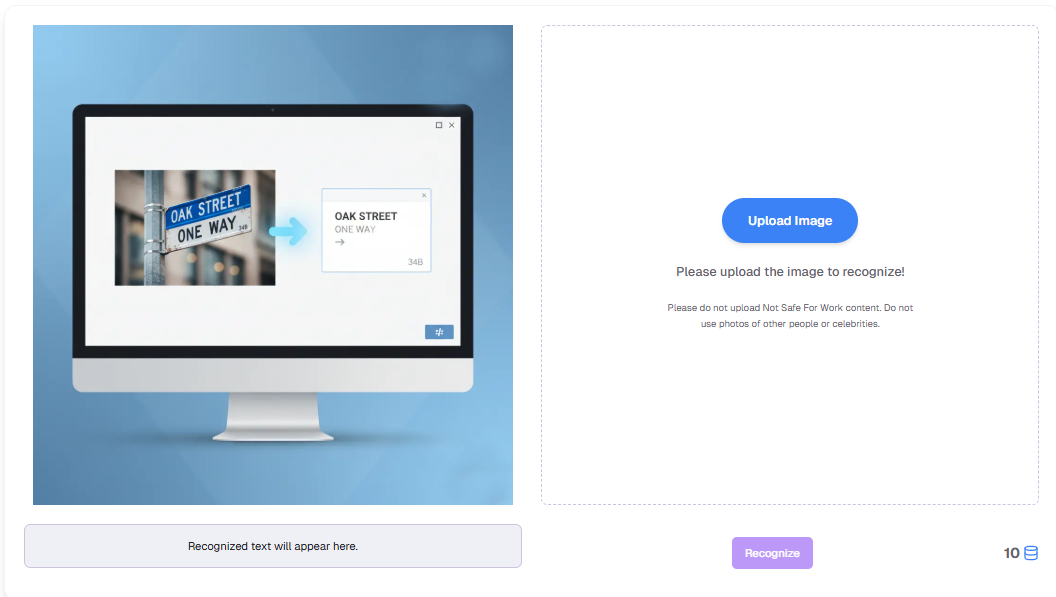
How to Extract Text from Image? Let an Image to Text AI Instantly Create Editable Docs
Published on November 7, 2025
We’ve all faced information trapped inside images—photos of slides, scanned PDFs, screenshots with vital details—yet impossible to copy. Manual typing is slow and error-prone. Modern AI changes this: with a powerful image to text AI, you can unlock, extract, and reuse content within seconds.
Traditionally, the only way to use this information was manual typing. You'd have to transcribe the content, word for word, into a document or spreadsheet. This process is not only incredibly tedious and time-consuming but also highly prone to spelling and numerical errors, making it an infuriatingly inefficient task for long documents or complex data.
This digital barrier has long been a bottleneck for our work and study. But now, thanks to the power of a modern image to text AI, we can finally say goodbye to this primitive method and unlock the text within our pictures with a single click. This is the definitive guide on how to extract text from image.
1. The Evolution of Text Extraction
The Manual Typing EraThis was the most basic stage, relying entirely on human effort. Faced with an image or paper document, the only option was manual transcription. For large-scale data entry, this was a costly, slow, and error-filled task.
 The Early OCR Software Era
The first generation of OCR software brought a glimmer of hope. Under ideal conditions—clear print, high contrast, perfectly aligned scans—they could recognize standard fonts. However, these tools were severely limited. The moment they encountered handwriting, low-resolution images, complex backgrounds, or slight angles, the results were riddled with errors, requiring massive amounts of time for proofreading.
The AI-Driven Intelligent Recognition EraThe first era relied entirely on manual transcription. Later, classic OCR helped under ideal conditions but struggled with handwriting, angled scans, and complex backgrounds. The true leap came with AI-driven OCR—deep learning models trained on massive datasets recognize multiple languages and handle real-world, messy inputs.
2. Our Image to Text AI Tool
Our powerful image to text AI tool is built on this cutting-edge technology, focusing on two key benefits. This premier image to text AI will change how you work.
- Unmatched Accuracy: We know that the value of an image to text conversion lies in its precision. A single wrong digit can invalidate crucial data. Our image to text AI engine can handle dense legal contracts, complex financial statements, and even messy but legible handwriting with "*what you see is what you get*" accuracy. This incredible image to text AI ensures you get reliable results every time. This is the most accurate image to text AI available.
- High-Speed Processing: In today's fast-paced world, speed is everything. Manual transcription can take minutes or hours; our image to text AI tool cuts that down to under a minute. This lightning-fast image to text converter processes your files almost instantly. Just upload an image, and the image to text AI extracts the content immediately, freeing you from repetitive data entry. The speed of our image to text AI makes it an essential productivity tool. Using an image to text AI is the best way how to extract text from image quickly.
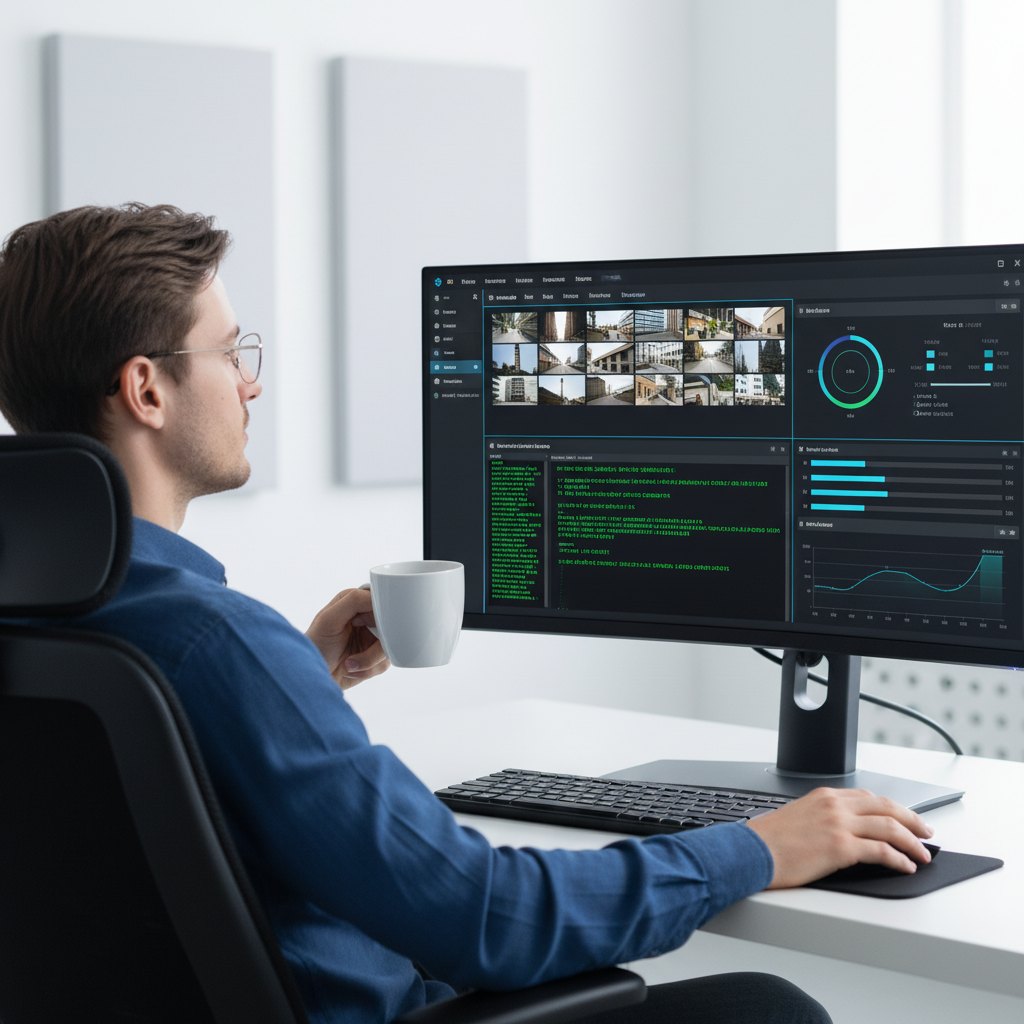
3. How to Extract Text from Image in Three Simple Steps
- Upload Your Image: Drag and drop or click to upload your file (JPG, PNG, BMP, and more).
- Start Automatic Recognition: Click “Start Extraction” and let the image to text AI process your file.
- Copy Your Results: The extracted text appears in the output box. Click to copy and paste anywhere.